CNC quote preparation
Turn Customer STEP Files Into PDF References for CNC Quoting
When a customer sends a STEP model without a 2D drawing, create a readable PDF to orient an estimate. Review drawing views, detected dimensions, hole locations and thickness details alongside the original model.
Designed for individual parts. Full assemblies and multi-object files are not currently supported.
Generate 3 Free DrawingsYour first three successful conversions are free. No subscription. Prepaid conversions never expire.
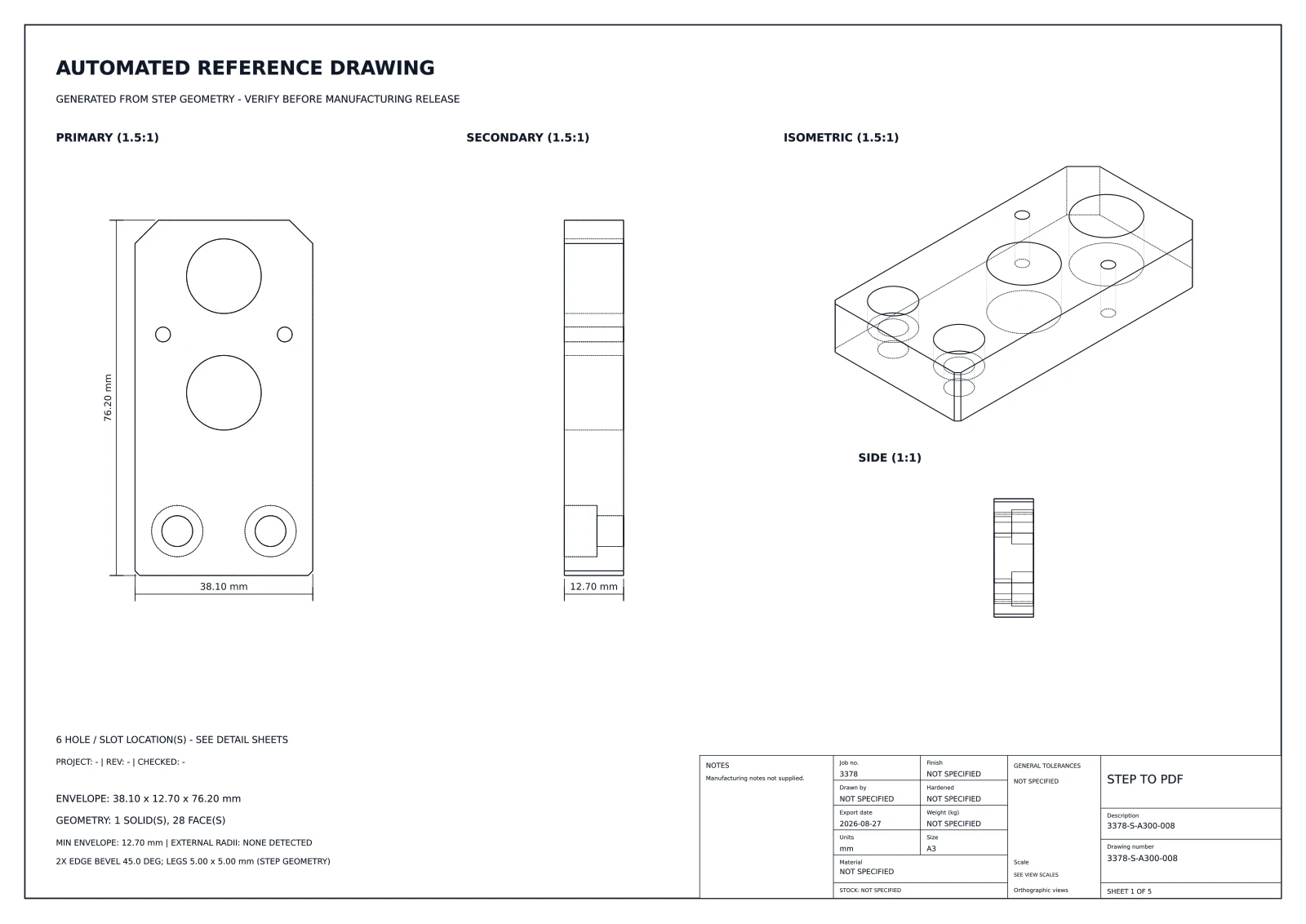
Make an incoming model easier to discuss
Spot geometry for review
Orthographic and isometric views help the estimating team locate visible features and understand part orientation.
Organize detected features
Where supported, the PDF surfaces holes, model dimensions, thickness and related geometry to guide follow-up checks.
Share quote context
Attach a common visual reference to internal estimate notes or supplier questions while retaining the customer’s source model.
A useful PDF starts with a review
Upload a valid STEP/STP model, generate the PDF, then compare its detected information with the source geometry and your approved requirements.
- Verify the drawing against the customer’s STEP file and stated revision.
- Ask for missing tolerances, material, finish, thread details and inspection requirements.
- Use the verified requirements and your own process planning to prepare the actual quote.
What the reference drawing cannot decide
The PDF is a geometry-derived reference, not a cost estimate or a complete manufacturing drawing. It does not know machining strategy, stock, tolerances, material or all customer requirements. Resolve those inputs with the customer before committing to price or lead time.
Try it with a part you know.
Check the output against your model before sharing it.